Flip or mirror any image,
right in your browser

A free Chrome extension that flips images horizontally or vertically — with a right-click on any page, or by dropping a file into the side panel.

Add to Chrome — it's free
Works in Chrome, Edge & other Chromium browsers · Chrome 114+
🔒 100% on-deviceImages never leave your computer — no servers, no uploads.
🚫 Your images stay privateImages are never uploaded or tracked — flipping happens only on your device.
⚡ Instant & freeFlip and save in one click. Keeps the original PNG, JPG or WebP format.

Two ways to flip

Pick whichever fits the moment — both run entirely on your device.

Way one — drop a file into the side panel

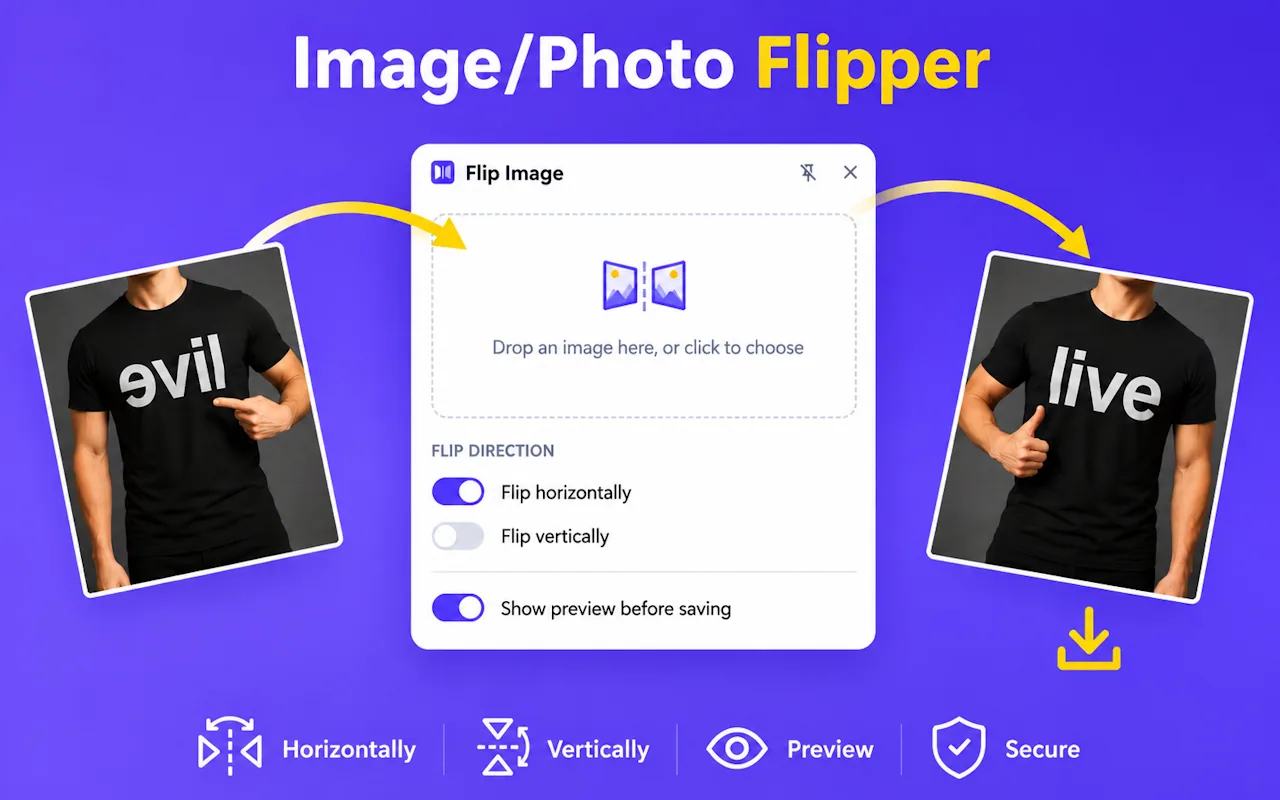
Way one: click the toolbar icon to open the side panel, then drop an image file onto the drop zone. Choose Flip horizontally or vertically, preview the mirrored result, and save it to disk.

Way two — right-click any image on a page

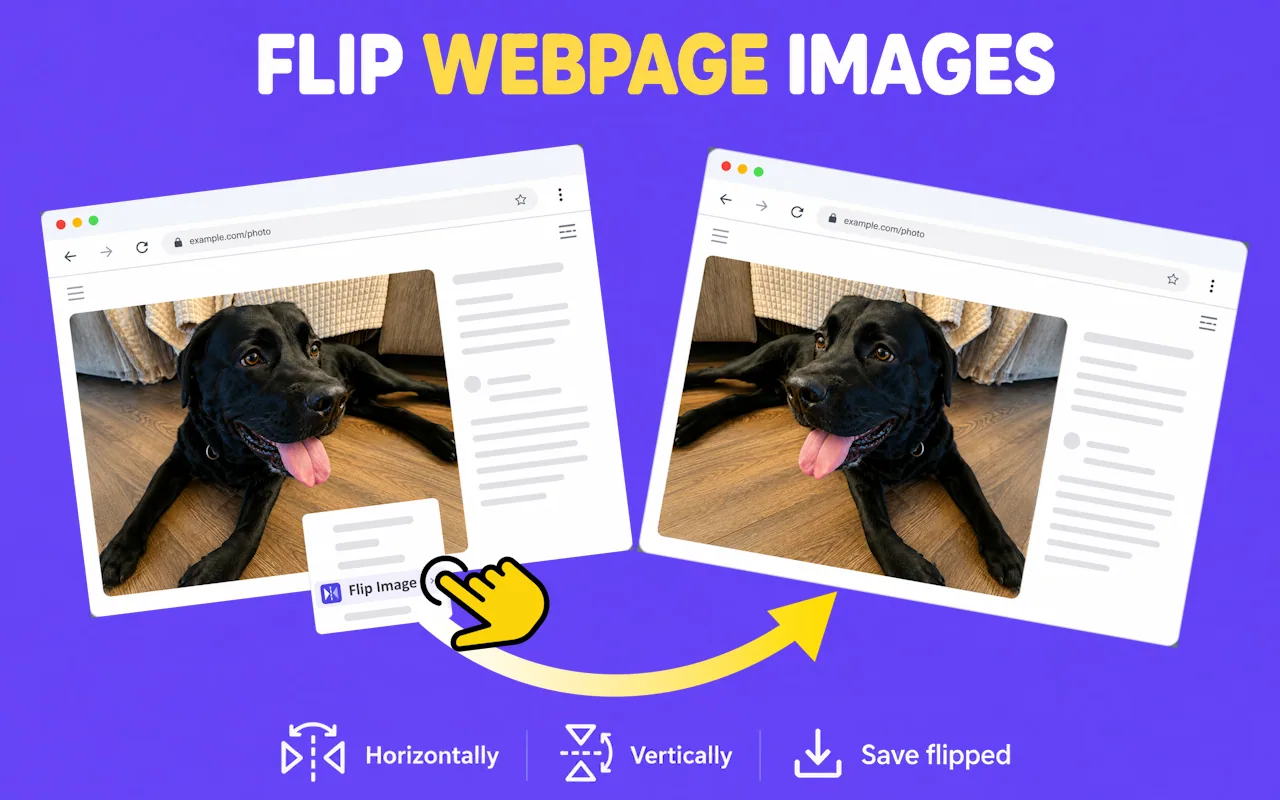
Way two: right-click any image on a page and choose Flip Image, then Horizontally or Vertically to mirror it in place. Pick Save flipped to download the image in its flipped state.

Ready to flip?

Add Flip Image to your browser — free, private, and instant.

Add to Chrome — it's free